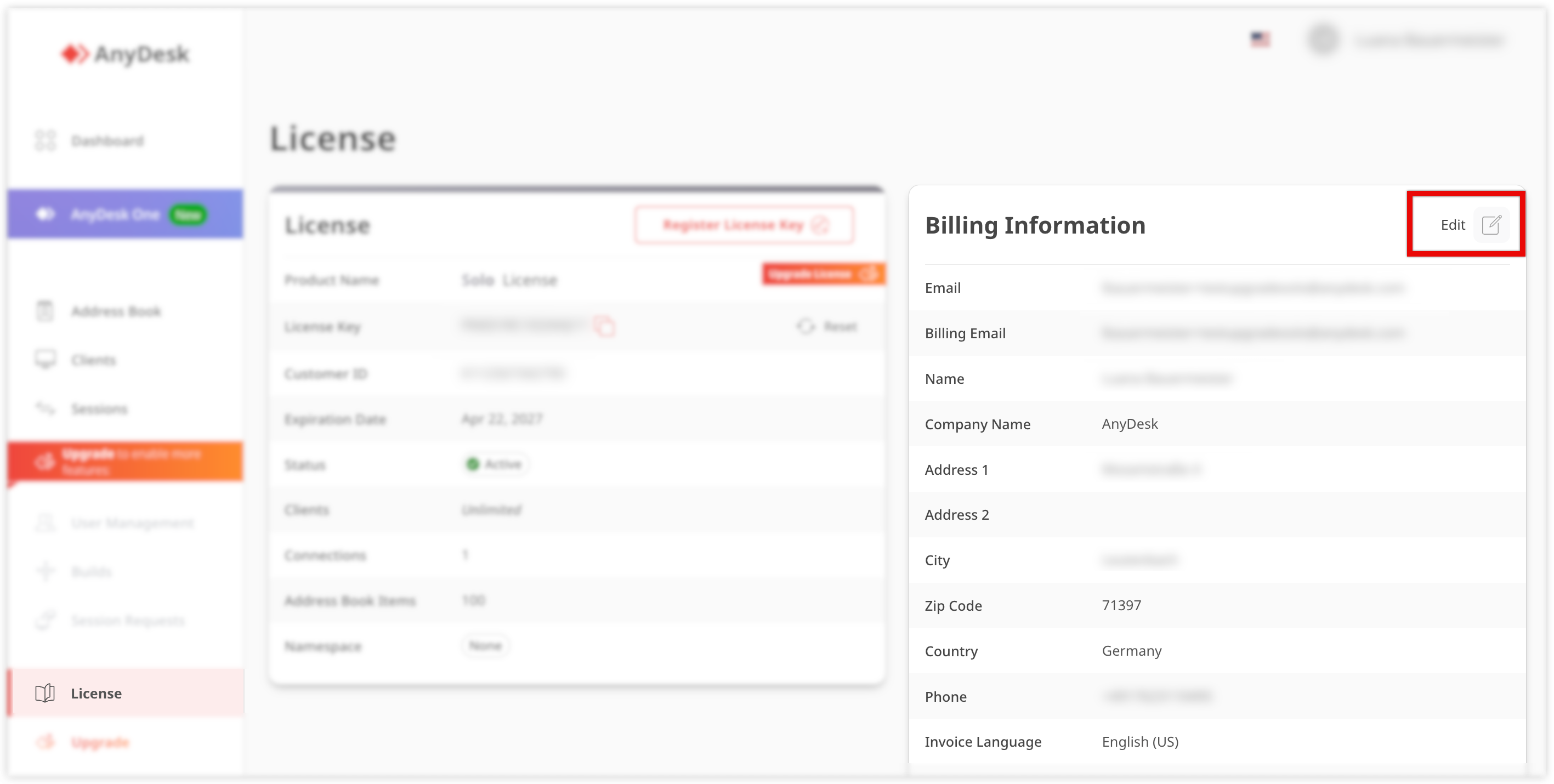
For specific invoicing requirements, such as e-invoicing (e.g., Leitweg ID for Germany), make sure to configure the required fields in your account settings.
🦉 For more details about Leitweg ID, see this article.
Ein Verwaltungsportal, in dem Benutzer ihre Lizenz- und Rechnungsinformationen überprüfen, mit dem Konto verknüpfte AnyDesk-Clients anzeigen und verwalten, detailliertere Informationen zu allen Sitzungen finden und vieles mehr.
Eine eindeutige Kennung, die in Deutschland für den Versand elektronischer Rechnungen verwendet wird, um sicherzustellen, dass sie den richtigen Empfänger erreichen.