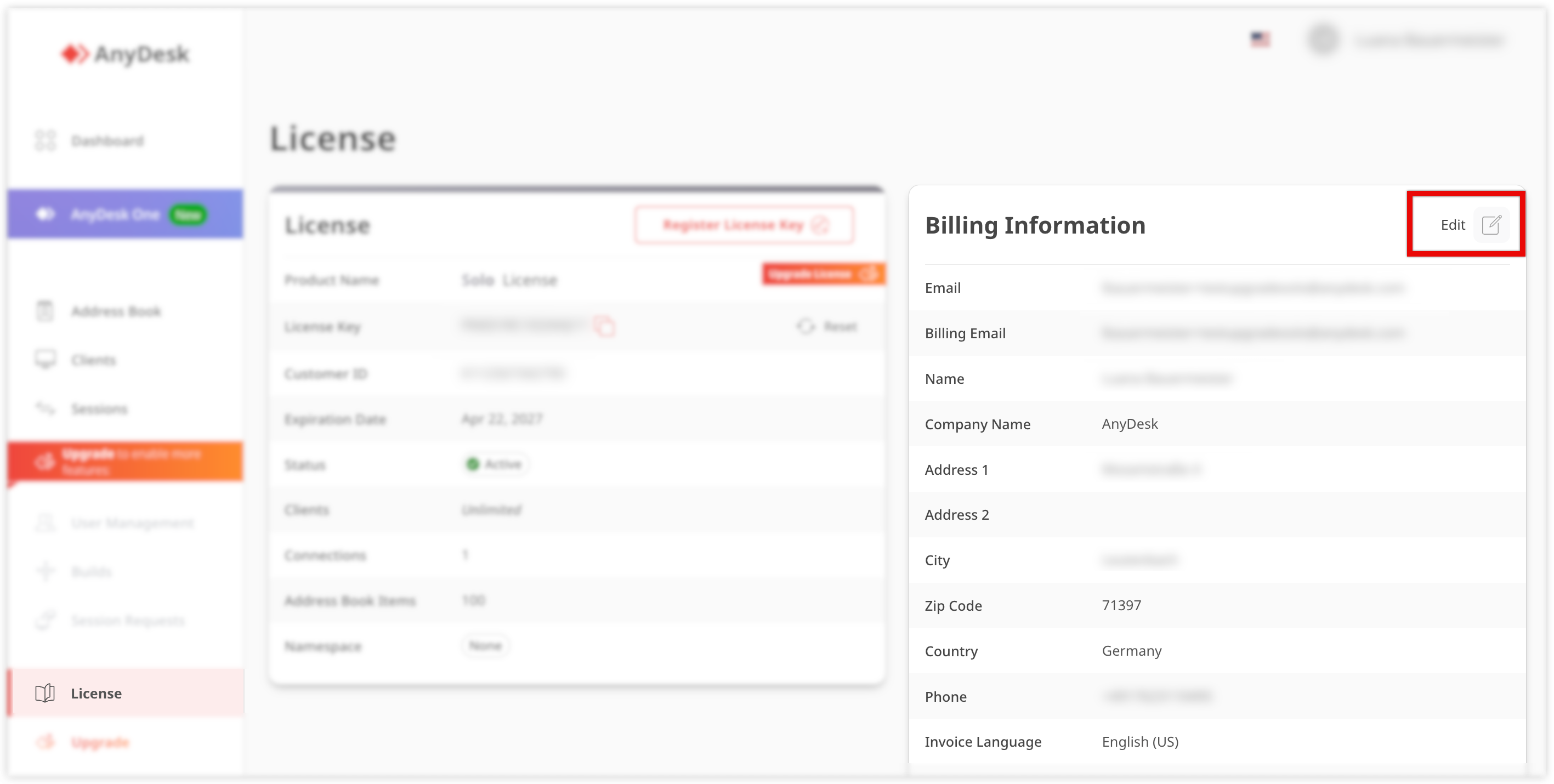
For specific invoicing requirements, such as e-invoicing (e.g., Leitweg ID for Germany), make sure to configure the required fields in your account settings.
🦉 For more details about Leitweg ID, see this article.
Un portale di gestione in cui gli utenti possono controllare le informazioni sulla licenza e sulla fattura, visualizzare e gestire i client AnyDesk collegati all'account, trovare informazioni più dettagliate su tutte le sessioni e altro ancora.
Un identificatore univoco utilizzato in Germania per l'invio di fatture elettroniche per garantire che raggiungano il destinatario corretto.