Documentation Index

Fetch the complete documentation index at: https://support.anydesk.com/llms.txt

Use this file to discover all available pages before exploring further.

免責事項:この記事は自動翻訳されています。最も正確な情報については、英語版をご確認ください。

How can I update my invoice information (e.g., address, VAT ID, tax details)?

Prev Next
This content is currently unavailable in Ja - 日本語. You are viewing the default (English) version.

You can update your billing information directly in my.anydesk.

  1. Sign in to my.anydesk II and go to the License tab.

  2. In the Billing Information section, click Edit.
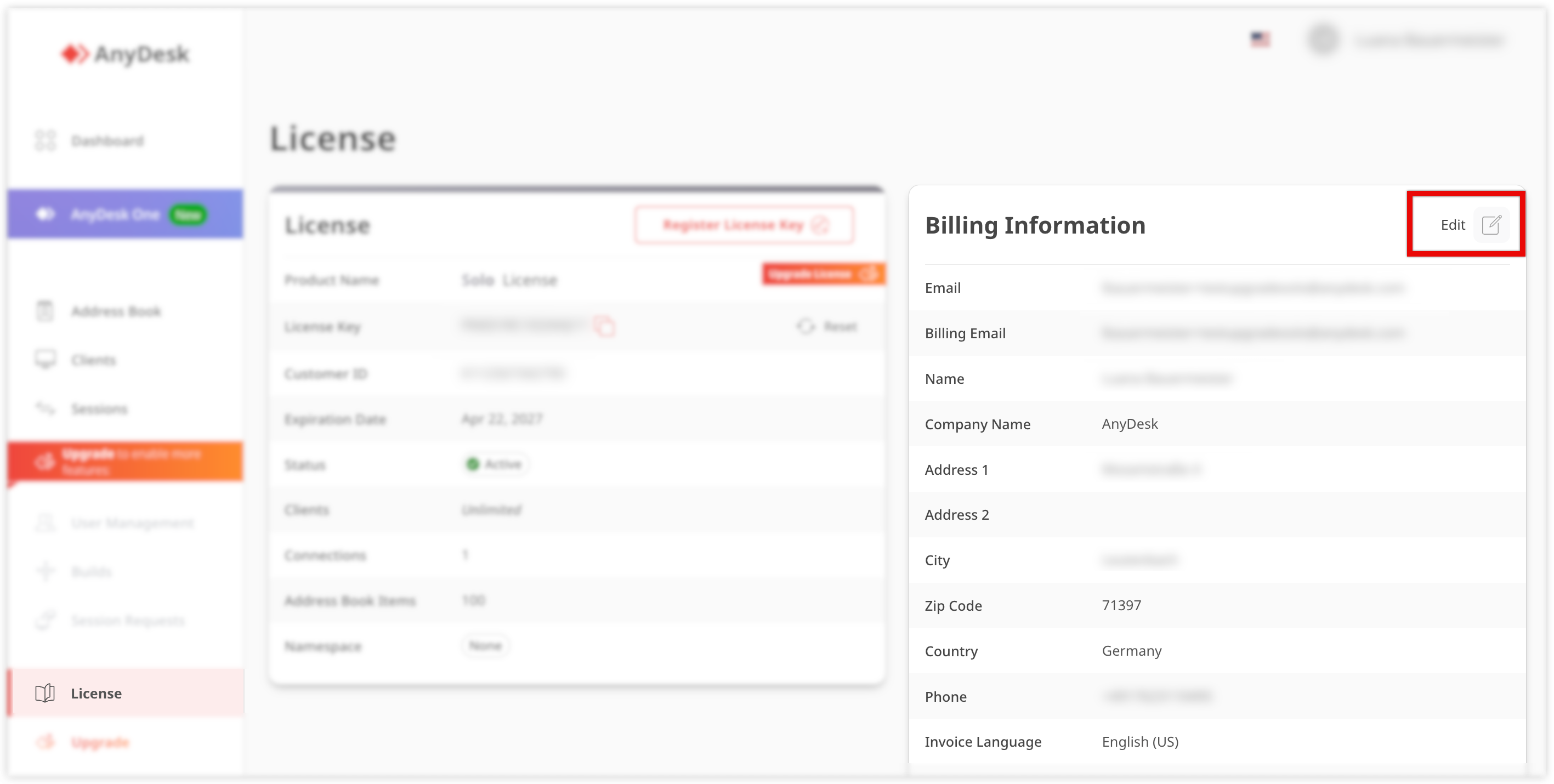
    AnyDesk license information with options to edit billing details and upgrade features.

  3. Update the following information:

    • Billing email

    • Name

    • Company name

    • Address

    • Phone

  4. Click Save.

💡 NOTE

Changes apply to future invoices only.

For specific invoicing requirements, such as e-invoicing (e.g., ライトヴェークID for Germany), make sure to configure the required fields in your account settings.

🦉  For more details about Leitweg ID, see this article