免责声明:本文已被自动翻译。获取最准确的信息,请查看英文版本。

Can you send me a copy of my invoice?

Prev Next
This content is currently unavailable in Chinese (Simplified, People's Republic of China). You are viewing the default (English) version.

You can download your invoices anytime from my.anydesk II:

  1. Go to License and scroll down to the Invoices section.

  2. Find the invoice you need.

  3. Click the download icon (⬇️) next to the invoice.
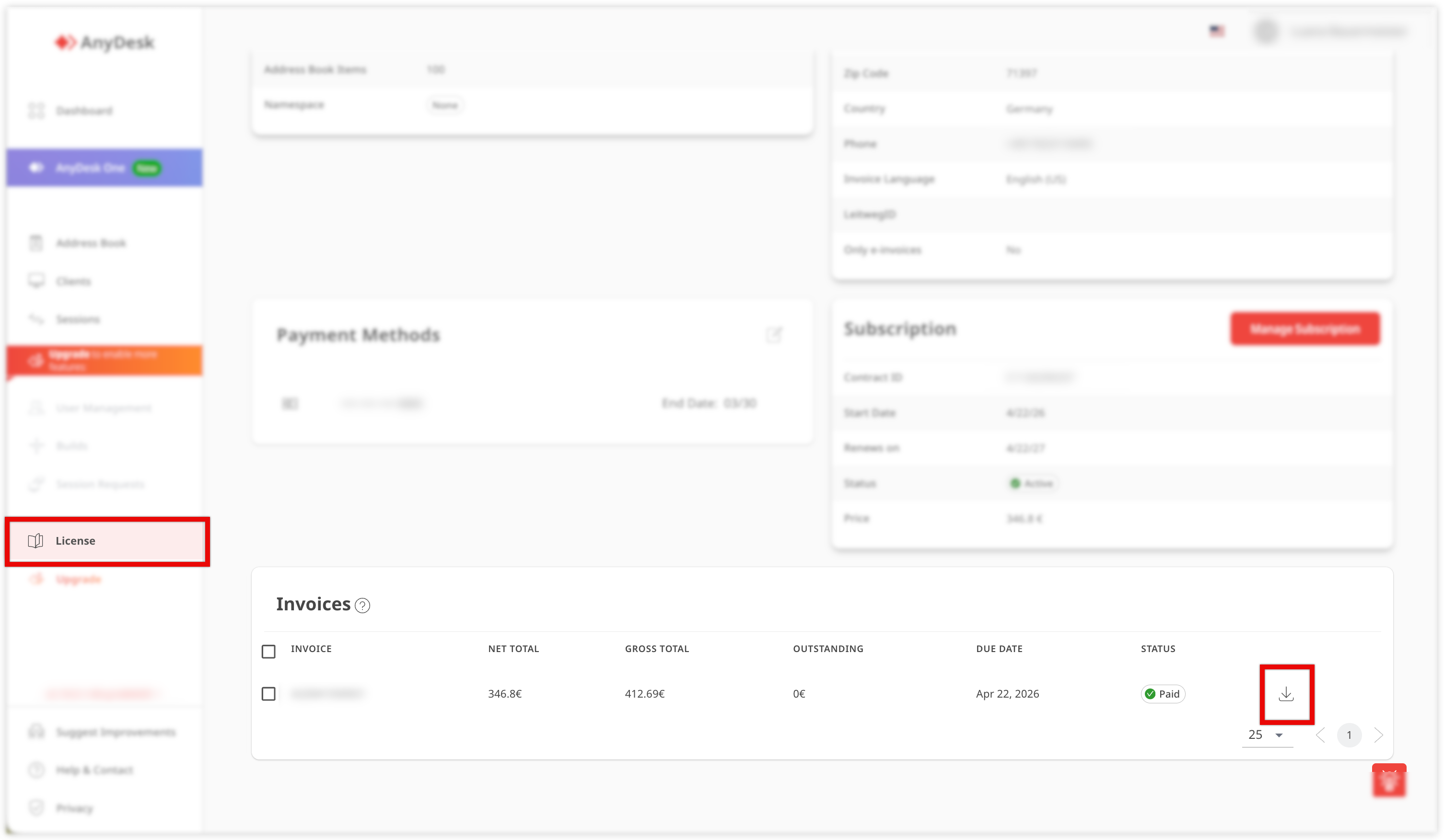
    AnyDesk interface showing license details, payment methods, and invoice status information.

This will download a copy of your invoice directly to your device.