Documentation Index

Fetch the complete documentation index at: https://support.anydesk.com/llms.txt

Use this file to discover all available pages before exploring further.

免責聲明:本文已被自動翻譯。獲取最準確的信息,請查看英文版本。

How can I update my invoice information (e.g., address, VAT ID, tax details)?

Prev Next
This content is currently unavailable in Chinese(Traditional). You are viewing the default (English) version.

You can update your billing information directly in 我的.anydesk.

  1. Sign in to my.anydesk II and go to the License tab.

  2. In the Billing Information section, click Edit.
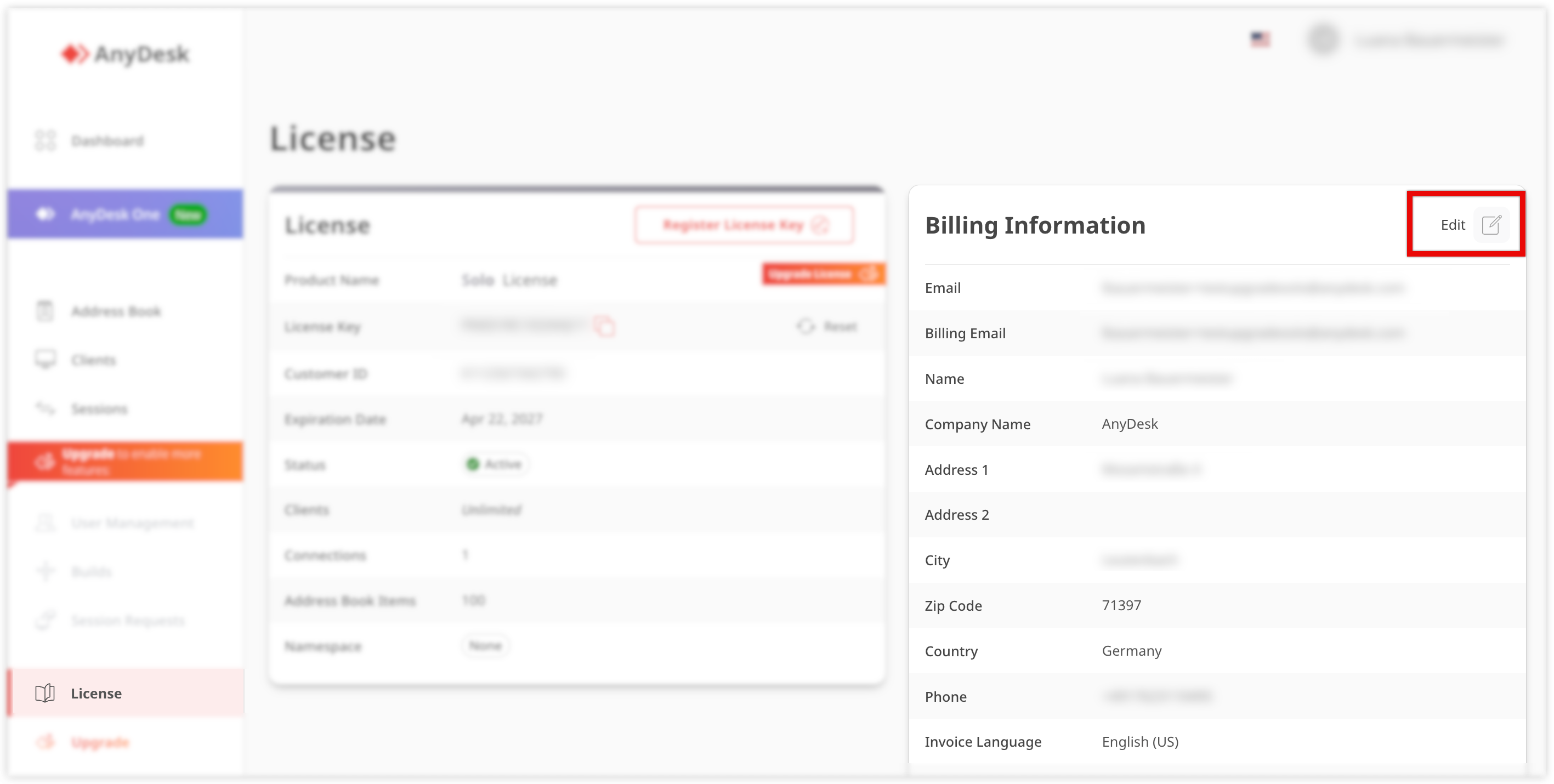
    AnyDesk license information with options to edit billing details and upgrade features.

  3. Update the following information:

    • Billing email

    • Name

    • Company name

    • Address

    • Phone

  4. Click Save.

💡 NOTE

Changes apply to future invoices only.

For specific invoicing requirements, such as e-invoicing (e.g., 萊特韋格 ID for Germany), make sure to configure the required fields in your account settings.

🦉  For more details about Leitweg ID, see this article