You can update your billing information directly in my.anydesk.
Sign in to my.anydesk II and go to the License tab.
In the Billing Information section, click Edit.
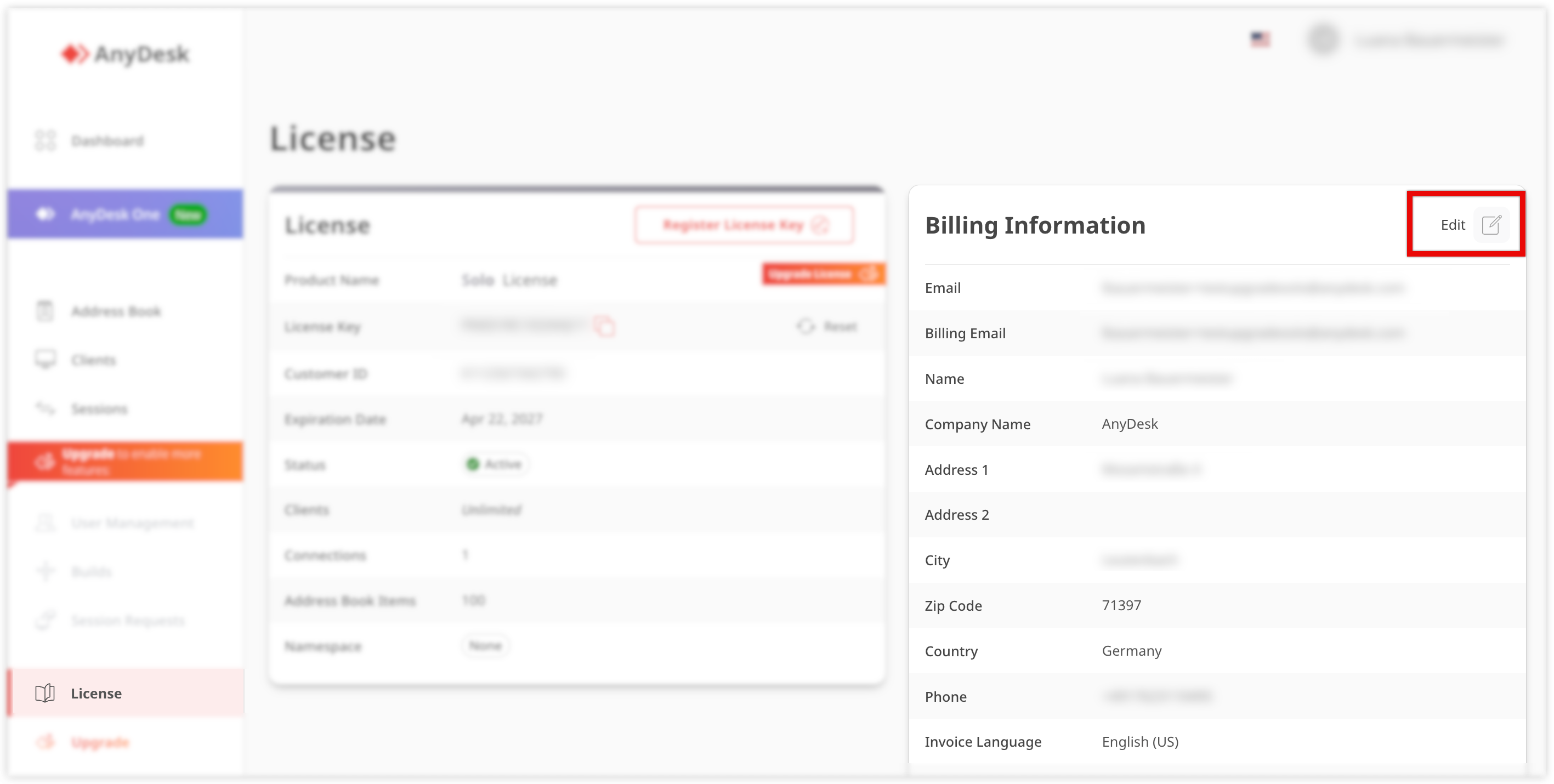
Update the following information:
Billing email
Name
Company name
Address
Phone
Click Save.
💡 NOTE
Changes apply to future invoices only.
For specific invoicing requirements, such as e-invoicing (e.g., Leitweg ID for Germany), make sure to configure the required fields in your account settings.
🦉 For more details about Leitweg ID, see this article.