License: Ultimate-Cloud
In my.anydesk II, organization owners and admins can restrict how devices connect to other devices by configuring the Connection Policy in Settings > Organization. This setting is applied at the license level, meaning it affects all AnyDesk clients using that license.
Depending on the selected policy, devices can be limited to connecting only within the same license or allowed to create connections with external licenses.
When should I restrict connections by license?
License-based restrictions are typically used when:
Access must be limited to internal devices only
External connections are not permitted for security reasons
Organizations need to enforce consistent connection rules across all users
What are the available restriction options?
The Connection Policy provides four options:
Any License - Allows all incoming and outgoing connections without restriction.
Incoming Same License - Restricts incoming connections to the same license, but allows outgoing connections to any license.
Outgoing Same License - Restricts outgoing connections to the same license, but allows incoming connections from any license.
Same License Only - Restricts both incoming and outgoing connections to the same license.
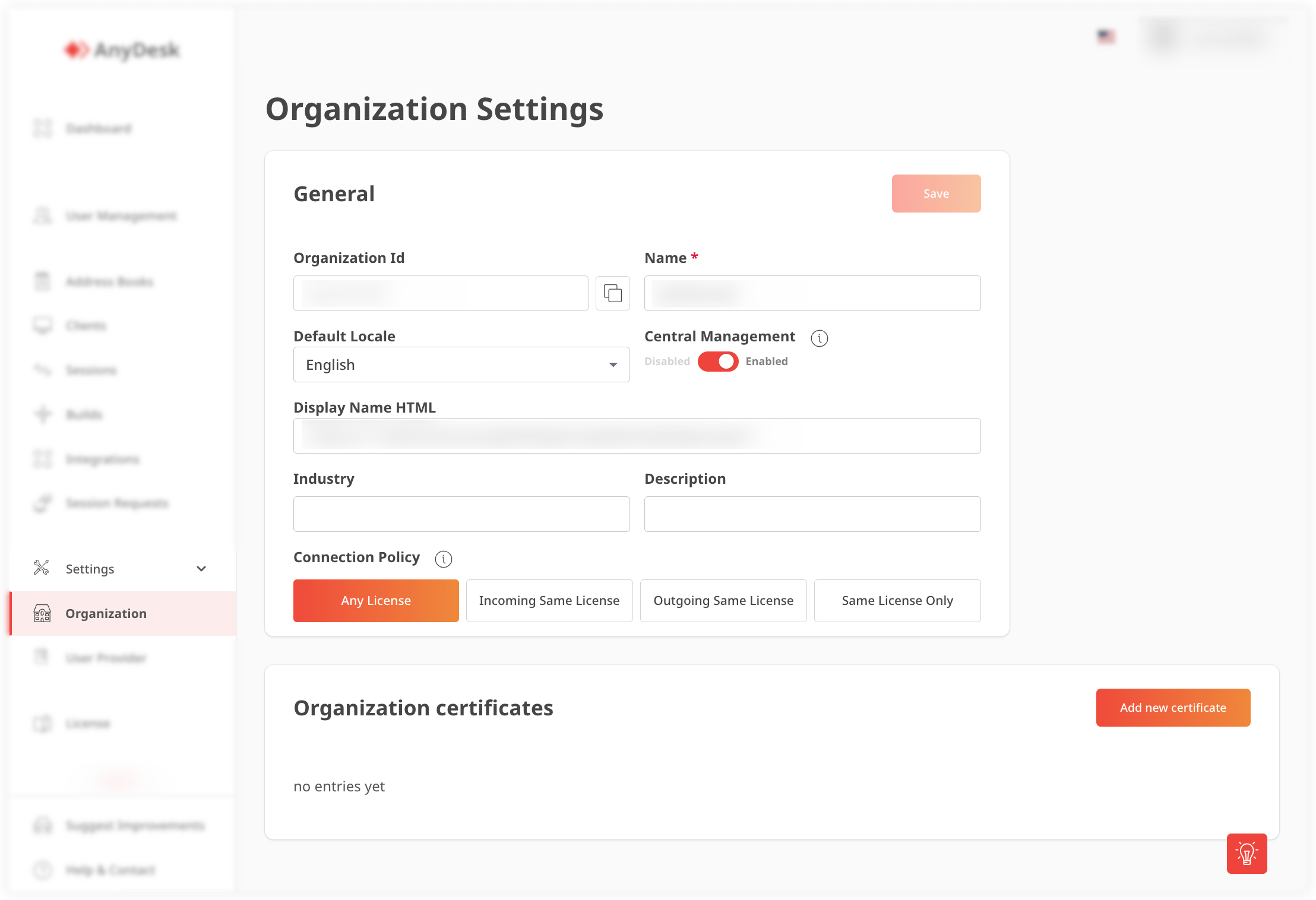
🦉 For instructions on how to set it up, see this article.
Can I restrict connections to only devices within my license?
Yes. Select Same License Only in the Connection Policy.
When this option is enabled:
Devices can start connections only to devices within the same license
Devices can receive connections only from devices within the same license
All cross-license connections are blocked.